
Live Demos
Explore our AI capabilities
Ready to create your own?
Sign UpCompany Video Ad Creator
Create effective video ads for your Company. Our AI generates content with your character, web site, niche objects, logo, product screenshots, and compelling CTAs.
Final Video (Scenes 1 & 2 complete)
Final Video (1:1)
Concatenates scenes 1 & 2 into a single final video. You can add TikTok-style captions for 10 tokens. (*) Note: Convert to 1:1 aspect ratio before adding captions (1 token).
Template
Choose one of our tested template to quickly get preset values and example values for your video ad.
These variables define global creative parameters that apply across all scenes. Customize them to match your brand guidelines.
Overall production aesthetic (e.g., professional presentation, explainer video, UGC-style ad)
Camera hardware/technique (e.g., handheld smartphone, gimbal-stabilized cinematic camera)
Natural ambient soundscape (e.g., quiet room, coffee shop buzz)
Additional constraints (e.g., no effects, minimal edits)
Project Setup
Unique name for your project (letters, numbers, spaces, hyphens, underscores)
The final video will be rendered in the aspect ratio you select here. (Note: the individual scene renders will be produced in 16:9 for optimal results)
Ad with Hook & Pivot, Proof, and CTA scenes
These settings apply to all scenes in your video ad. They define the overall look and feel.
The environment where your character appears (city street, coffee shop, office, etc.)
Natural daylight, golden hour, neon nightlife, studio lighting, etc.
Brisk (fast-paced TikTok style), Calm, Dramatic, Urgent, etc.
energetic, excited, sincere, professional, playful, urgent, etc.
Handheld micro-jitters (UGC feel), Smooth stabilized, Static tripod, Dynamic tracking, etc.
Reference Assets (Optional)
Upload your SaaS logo and a niche object that will appear in the video. Describe how they should appear in each scene.
Ref 2: SaaS Logo (optional)
Ref 3: Niche Object (optional)
💡 Define your video's main character. Upload a reference image OR describe the character in detail.
Basic character type: girl, woman, man, boy, or cartoon variants
Facial expression and emotional state
Overall description of the character's style, vibe, and aesthetic
Character Reference
You can upload your character image to use as face-only or as a full first frame scene reference.
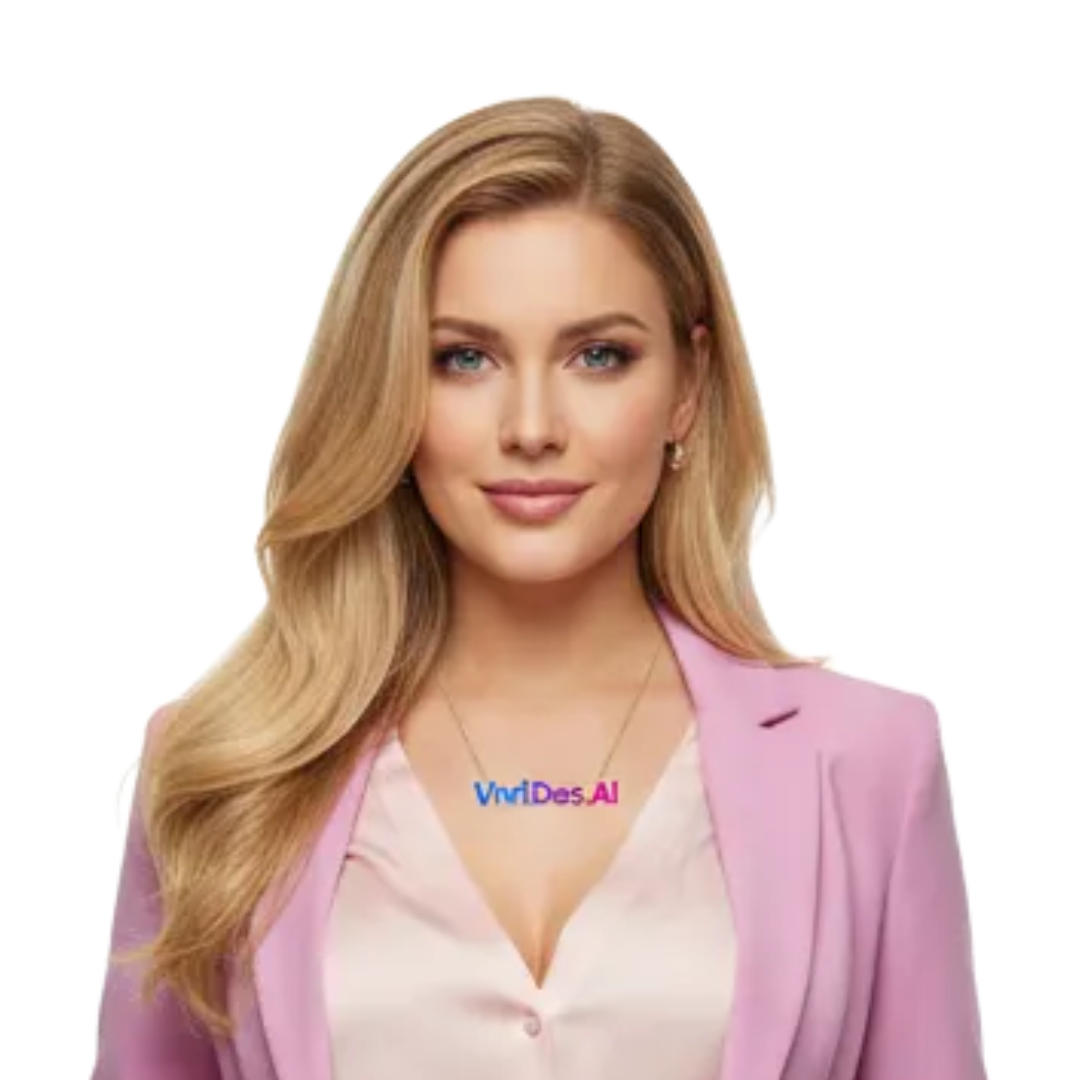
These fields are optional when using a reference image. Your character details will be taken from the reference image.
Scene 1: Hook & Pivot
The attention-grabbing opening that stops the scroll
How Scene 1 works: The Hook & Pivot starts with your character in action, delivering an attention-grabbing line. Your character delivers the hook line while interacting with a display device. Scene 1 is the foundation for the entire video.
Full body, medium shot, close-up, etc.
What the character is doing at the start
How they deliver the line (excited, breathless, serious)
What the character says to hook the viewer.
The character interacts with the device screen at the end of Scene 1, bridging into Scene 2
Generated Image (Ref 1)

Video Clip
Scene 2: Proof & CTA
Character delivers social proof and call-to-action
How Scene 2 works: Uses Scene 1's generated image and setting as the base. The character delivers proof points and a call-to-action. No additional image is generated for this scene.
What the character does while delivering the proof and CTA
Short, punchy message delivering social proof and/or call-to-action.